
unix
Tag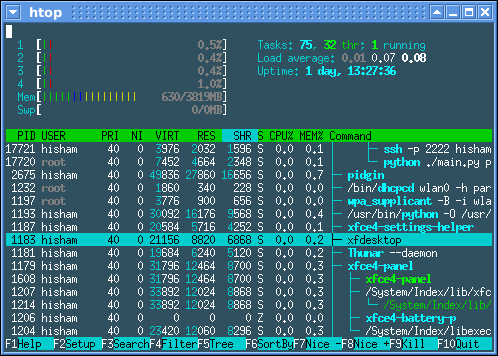
htop Installation Explained
htop is a great interactive process viewer for Linux servers, which is very robust and good alternative of ‘top’ command utility. The..
How to mount a CD/DVD drive in Solaris?
If you are having trouble mounting a CD or DVD in Solaris, you are not alone!
First you need to find the CD/DVD drive. You can do this..
How to find your IP address on Solaris
If you are Linux user like myself, and you give Solaris a go you will probably be scratching your head how to find out which IPs are..
How to enable root access via SSH in Solaris
This can be done in the same manner it is done on most Unix/Linux systems. Open /etc/ssh/sshd_config (using vi is probably a good..
How to restart SSH in Solaris
If you are coming from a Linux background, and having trouble restarting SSHD on Solaris, this is the way it can be done:
#svcadm restart..
How to configure RAID 10 using ZFS
ZFS is a software based file system which allows you to do RAID in software. It is extremely fast and flexible, and has online error..
Which version of Solaris am I running?
If you are trying to find which version of Solaris you are running, you can run the following command:
cat /etc/release
How to list all drives installed in Solaris / OpenSolaris
You can use the following command to list all the drives in Solaris or OpenSolaris. This is useful if you are adding new drives, etc via..